
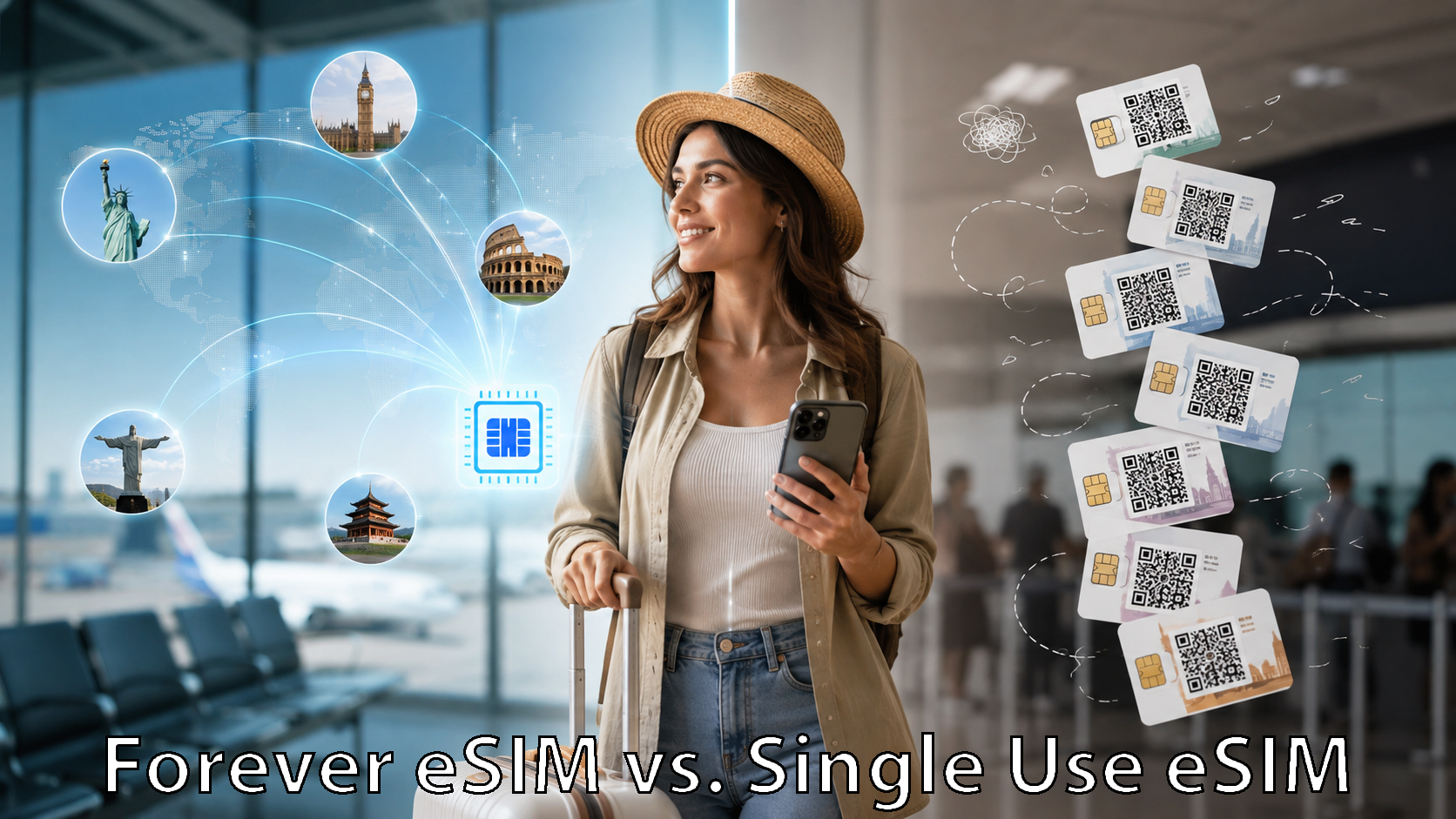
Travel eSIMs have made staying connected abroad much easier. Instead of hunting for a local SIM card after landing or paying expensive international roaming charges, travelers can install an eSIM and get mobile data in another country within minutes.
But not all travel eSIMs work the same way.
Many eSIMs are designed for a single trip. You buy a plan for a particular country or region, use it while traveling, and then purchase another eSIM the next time you go somewhere.
A reusable eSIM works differently. You install the eSIM once and keep it on your phone. When another trip comes around, you simply add a new data plan instead of installing another eSIM.
So which approach is better? It depends largely on how often you travel and how much convenience you want.
What Is a Single-Trip eSIM?
A single-trip eSIM is typically purchased for a particular destination or travel period.
For example, if you’re traveling to France for two weeks, you might purchase a France eSIM with 5GB of data valid for 15 or 30 days.
You receive a QR code or installation link, install the eSIM on your phone, activate it when you arrive, and use the included data during your trip.
Once the plan expires or the data is used, the eSIM may no longer be useful. For your next trip, you may need to purchase and install another one.
For occasional travelers, this can work perfectly well.
The downside is that frequent travelers can eventually end up with a collection of old eSIM profiles on their phones and another installation process every time they travel.
What Is a Reusable Travel eSIM?
A reusable eSIM is designed to stay installed on your phone between trips.
Instead of treating the eSIM itself as a disposable travel product, the eSIM becomes your permanent travel connectivity profile.
When you’re preparing for another international trip, you can simply purchase or activate a new data plan for your destination.
For example, you might use the same eSIM for:
- A trip to Italy in April
- Canada in July
- Japan in October
- A multi-country European vacation the following year
The eSIM remains on your phone. The plan changes based on where you’re traveling.
This approach is particularly useful for frequent international travelers.
The Biggest Difference: Install Once vs. Install Every Trip
The biggest practical difference between reusable and single-trip eSIMs is what happens before your next vacation.
With a single-trip eSIM, the process might look like this:
Choose destination → Choose provider → Buy eSIM → Install eSIM → Travel → Delete or abandon eSIM
Then you repeat the process for your next trip.
With a reusable eSIM:
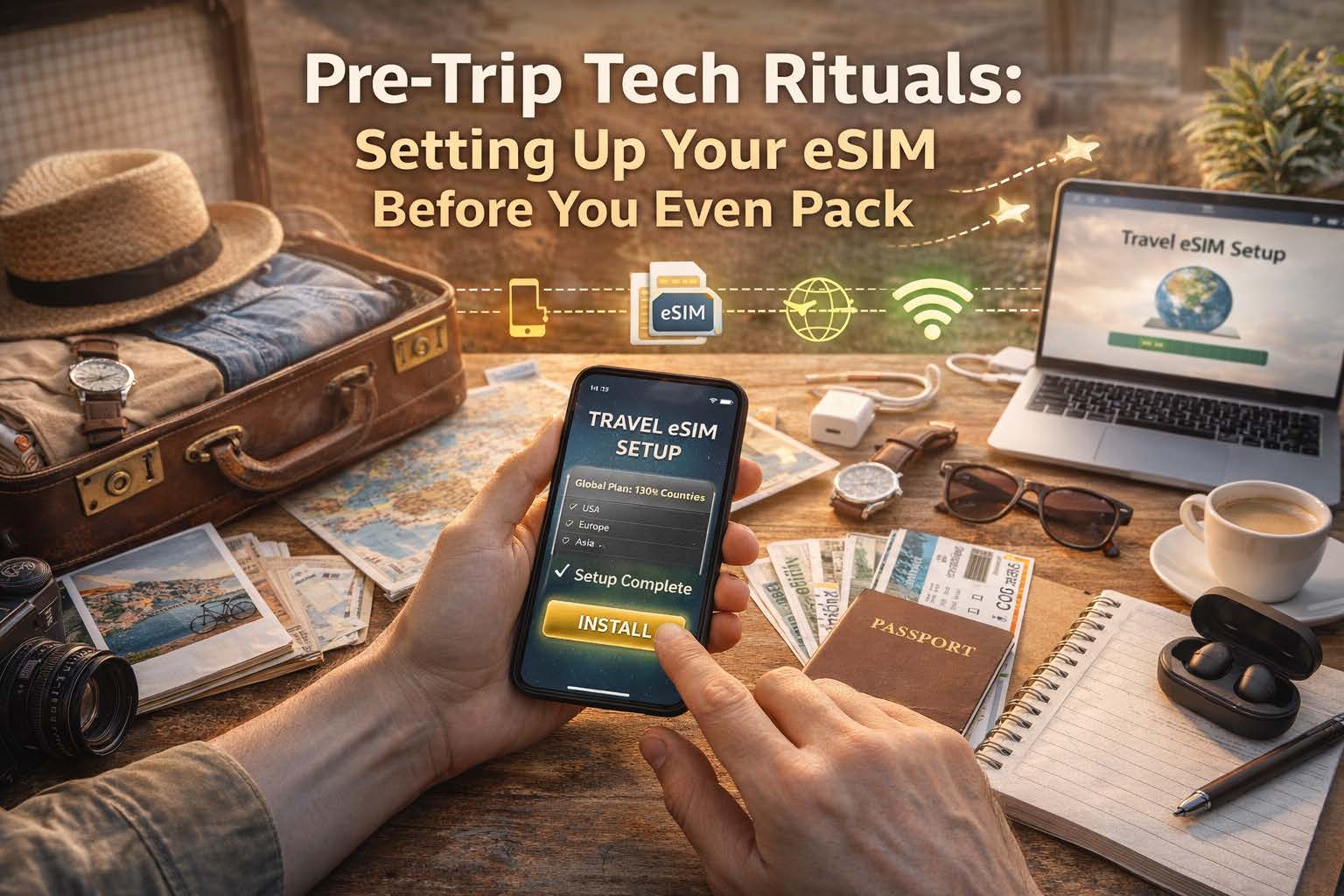
Install eSIM once → Choose plan → Travel → Choose another plan for the next trip
There is simply less setup to repeat.
That may not sound important when you’re taking one vacation a year. But for frequent travelers, business travelers, cruise passengers, digital nomads, or anyone regularly traveling internationally, eliminating repeated eSIM installations can make travel connectivity much simpler.
Can You Leave a Reusable eSIM Installed?
Yes.
A reusable travel eSIM can remain installed on a compatible phone even when you’re not actively using it.
Modern smartphones can store multiple SIM and eSIM profiles. You can usually turn an individual eSIM line on or off through your phone’s cellular settings.
When you’re back home, you can simply use your normal mobile service.
Before your next international trip, you can enable your travel eSIM and activate the appropriate data plan.
This also reduces the possibility of accidentally deleting an eSIM and needing to reinstall it later.
What Happens When You Travel to Another Country?
This is where reusable eSIMs can become particularly convenient.
Instead of purchasing an entirely new eSIM, you choose a plan that works in your next destination.
Suppose you’re taking three trips:
Trip 1: Spain
Trip 2: Mexico
Trip 3: Thailand
With a traditional single-trip approach, you might purchase three separate eSIMs.
With a reusable global eSIM, the same installed eSIM can be used for all three trips. You simply select the appropriate plan or coverage option before each trip.
For travelers who frequently visit multiple countries, this dramatically simplifies managing international mobile service.
Reusable eSIM vs. Single-Trip eSIM Cost
The cheapest option depends on the destination, amount of data needed, length of the trip, and available plans.
A single-trip eSIM can sometimes offer an extremely inexpensive promotional price for one country.
But the headline price isn’t the only cost worth considering.
Frequent travelers should also consider:
- Whether they need to buy another eSIM for every trip
- Whether unused data expires
- How easily additional data can be added
- Whether the eSIM works in multiple countries
- Whether the provider offers multiple networks
- Whether customer support is available
- Whether the eSIM can remain installed indefinitely
A reusable eSIM may provide more long-term value even when another provider occasionally offers a slightly cheaper destination-specific plan.
The difference is similar to buying a new travel adapter for every trip versus keeping one universal adapter in your suitcase.
What About Multi-Country Trips?
Reusable global eSIMs can be particularly useful when visiting several countries during the same trip.
Imagine a European vacation covering:
France → Switzerland → Italy → Austria
With destination-specific eSIMs, you might need separate plans or profiles depending on the provider.
A regional or global reusable eSIM may allow you to stay connected as you cross borders without repeatedly changing your phone’s SIM configuration.
That can be especially valuable when traveling by train, driving between countries, taking a cruise, or making an itinerary that crosses several regions.
When Does a Single-Trip eSIM Make Sense?
Single-trip eSIMs still have advantages.
They can be a good choice if:
- You rarely travel internationally
- You’re visiting only one country
- You need connectivity for only a few days
- You find an unusually inexpensive destination-specific plan
- You don’t mind installing a new eSIM for each trip
For someone taking one international vacation every few years, the convenience advantage of a reusable eSIM may not matter very much.
When Does a Reusable eSIM Make More Sense?
A reusable eSIM becomes more attractive when international travel is something you do regularly.
It may be a better fit if:
- You travel internationally several times a year
- You frequently visit different countries
- You take multi-country trips
- You travel for business
- You want a travel eSIM ready on your phone at all times
- You don’t want to install a new eSIM before every trip
- You want access to different data plans without changing eSIMs
It can also provide some peace of mind.
Once you’ve installed and tested your travel eSIM, you already know where it is in your phone settings and how it works. The next trip requires fewer moving parts.
And international travel already has enough moving parts.
OneSimCard DataMax: A Reusable “Forever eSIM”
OneSimCard’s DataMax eSIM is designed around this reusable approach.
Instead of purchasing a disposable eSIM for every vacation, travelers can install the DataMax eSIM and keep it on their compatible phone for future international trips.
When you’re planning another trip, you can select the appropriate data option for your destination rather than installing another eSIM profile.
DataMax offers connectivity across 200+ countries and territories, with plans designed for international travelers who want the flexibility to use the same eSIM again and again.
That makes the eSIM particularly useful for frequent travelers who don’t want to start from scratch every time they cross a border.
Reusable eSIM vs. Single-Trip eSIM: Which Should You Choose?
Neither type of eSIM is automatically better for every traveler.
If you take an international trip once every few years, purchasing a destination-specific eSIM may be perfectly adequate.
But if international travel is a regular part of your life, a reusable eSIM can make considerably more sense.
Instead of thinking of your travel eSIM as something you buy for a vacation, think of it as part of your phone.
Your normal SIM connects you at home.
Your reusable travel eSIM is already there whenever your next trip begins.
Frequently Asked Questions
Does a reusable eSIM expire?
The eSIM profile itself may remain installed even when you don’t currently have an active data plan. Exact policies depend on the provider, so travelers should check whether there are inactivity or account requirements.
Can I keep a travel eSIM installed when I’m not traveling?
Yes. Most compatible smartphones allow you to keep an eSIM installed and simply disable that cellular line when you’re not using it.
Do I need to delete my regular SIM to use a reusable eSIM?
Usually not. Many modern phones support Dual SIM functionality, allowing your regular carrier SIM and travel eSIM to remain installed at the same time.
Can I change countries without installing another eSIM?
With a reusable global eSIM, you can generally purchase or activate another compatible plan for your next destination without installing a new eSIM profile. Providers like OneSimCard offer coverage zones for regional coverage plans, that cover a number of destinations.
Can I add more data during my trip?
Many reusable eSIM services allow additional data or another plan to be purchased if you need more data while traveling.
Is a reusable eSIM better for frequent travelers?
For many frequent travelers, yes. The biggest advantages are convenience, fewer eSIM installations, easier multi-country travel, and having international connectivity already available on the phone before the next trip.