

Introduction
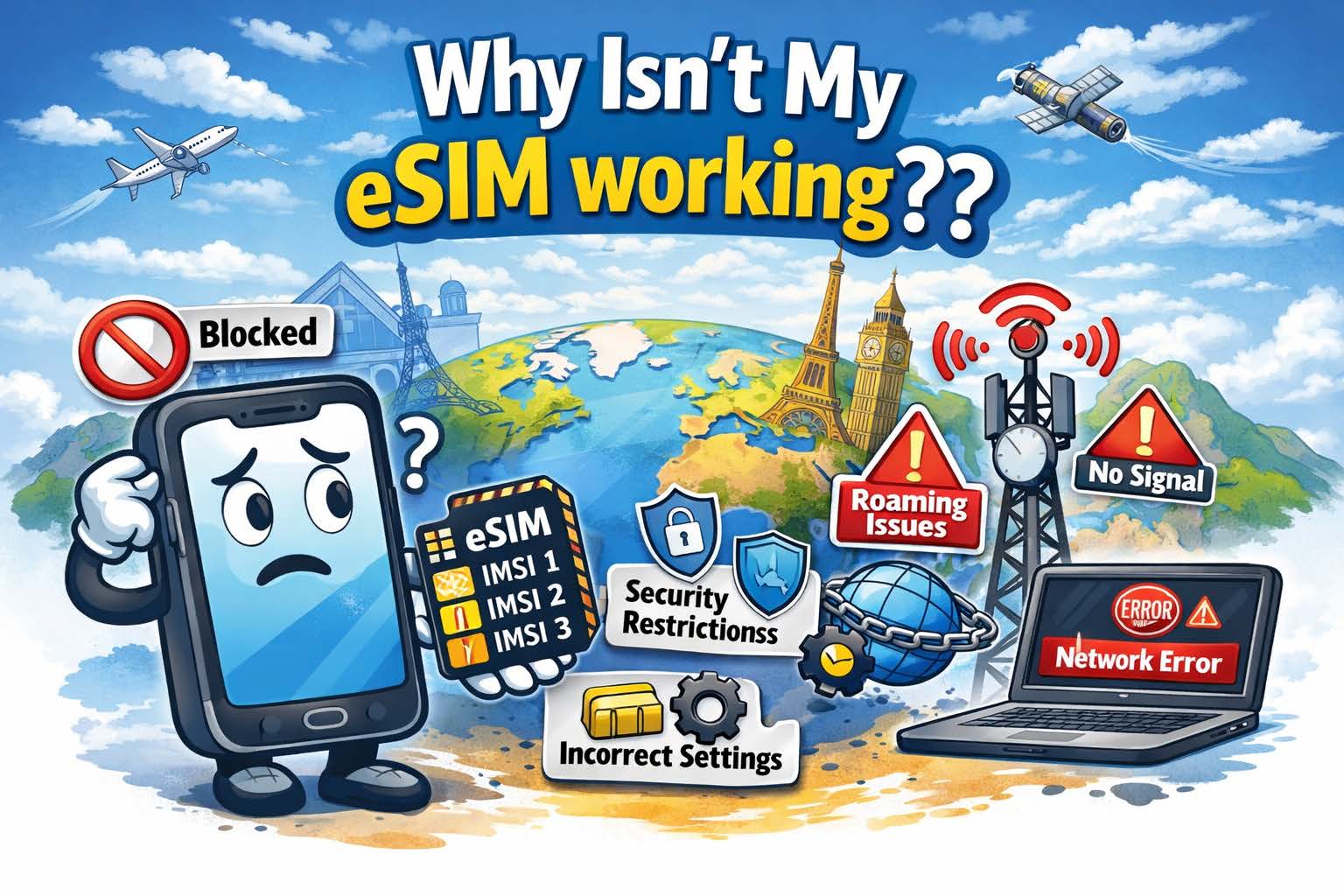
You installed your bright, shiny, new SIM Card or eSIM but, ut oh, it isn’t working!! WHY!!?? What is wrong with my eSIM? As a leading provider of both physical plastic SIM cards and eSIMs for international travel for over 30 years, we get this question a lot. There are a variety of reasons why SIM Cards or eSIMs don’t work in your mobile device when traveling internationally. We will discuss some of the most popular reasons, and, more importantly, the fixes for these problems. Let’s take these step-by-step the same way we do it when a customer contacts us with this problem.
SIM Locked Device
Probably the most popular problem is a very straightforward one, and you won’t even be able to install the SIM card or eSIM if this is the issue. The mobile device is carrier locked and you cannot use another SIM in the device. The easiest way to fix this is to contact your carrier and ask them to unlock the phone (or tablet, etc.). Even if you already paid off the device and there is no contract, you might need to proactively contact the carrier to get them to unlock the device. You will want to do this prior to travel, because you may need to be in the same country that your carrier is from. 32% of the time, this is the issue.
You Don’t Have the Correct Plan or Sufficient Balance on the SIM or eSIM
25% of the Support tickets we receive for a SIM or eSIM not working turns out to be the customer either didn’t buy the proper package for the country they are in, or they don’t have enough balance on the SIM or eSIM to use per-MB data. This is probably the easiest thing to fix, simply add funds to the SIM or purchase a package that allows usage in the country in which you are currently located.
International Roaming Isn’t Enabled
We are only human and some of the obvious things often slip past us! Yes, this is a very common mistake and when you realize this oversight, you will slap your forehead in embarrassment! Even if you aren’t tech savvy, this is a simple fix and we have created how-to videos to enable Data Roaming on both iOS and Android devices. This is a 1 minute fix and may solve your connectivity issue on your device. 17% of the time, this is the problem.
APN is Incorrect
First, what is an APN anyways!? The Telecom industry loves acronyms! APN stands for “Access Point Name.” It, quite literally, is the access point in which the device will run data through to the internet. Think of it as a “doorway to the internet.” Most times, the device will load the correct APN for the SIM card or eSIM you are using, but sometimes your device may not and you need to set it up manually. Don’t fret, just like enabling international roaming, this is an easy fix and only takes a minute. Here are step-by-step instructions for setting the APN for:
IMPORTANT NOTE: The APN discussed in these videos are for our DataMax eSIM card. If you are using a different provider, contact them to get the correct APN for their SIM or eSIM. Having the wrong APN on your device is the problem of no data connectivity 12% of the time.
There Isn’t Any Coverage Where You Are
Believe it or not, this is an issue that does come up. Cellular network providers can’t cover every corner of the world, and they do a cost analysis to determine where and where not to cover. No bars, no data! About 8% of the support tickets we answer turn out that the user is in a very rural area that has no cellular service. Even with our multi-IMSI, multi-carrier SIMs or eSIMs have coverage gaps. Unfortunately, the only way to fix this issue is to move to a place where you can get those coveted bars of service.
Important Note: Not all providers are created equal when it comes to what operators they use in a particular country and how they prioritize the networks they use. This prioritization is done through a PRL (or Preferred Roaming List). They prioritize (or what we call “steer”) traffic to cheaper networks to save money. One possible result of this network steering is that you are forced onto a network with very little service, so data is slow or non-functional. OneSimCard is proud to NEVER steer traffic this way. We allow the device to choose the best available network for that geographic area. This results in the best possible service for our customers.
Why OneSimCard eSIM Works Better for Travelers
Some eSIM issues come from weak network selection, limited coverage, or poor travel setup design. OneSimCard DataMax eSIM is built to reduce those headaches with global coverage, multiple networks in many destinations, and a more travel-friendly activation experience.
200+ Countries
Stay connected in a wide range of destinations without juggling multiple local SIM cards.
Multiple Networks
Better local network options can help improve reliability when one carrier underperforms.
Fast Activation
Get your eSIM by QR code and install it before you travel, so you land connected instead of hunting for fixes at the airport.
Your Device Isn’t “Rotating the IMSI”
What is an IMSI?? We know, more “jargon!” IMSI stands for “International Mobile Subscriber Identity.” Every SIM card or eSIM has one or multiple IMSI’s installed in the SIM card or eSIM software. The IMSI identifies the subscriber on a mobile network, and it is critical for roaming because it authenticates and manages the subscriber to provide proper routing for data, SMS, etc. There is a scheme to the unique 15 digit IMSI number, but for the purposes of this article, we won’t define that scheme.
Suffice to say, every mobile network operator issues this number to each of their subscribers, and every number is completely unique. The first part of the IMSI identifies who the IMSI belongs to. If an eSIM has multiple IMSI’s installed, the SIM or eSIM is using multiple mobile network operators’ roaming agreements to connect.
Companies like OneSimCard use Multi-IMSI SIMs or eSIMs to get the best price for our customers in a particular country. For example, one of our network partners might offer $0.15/MB in a particular country, where another partner offers $0.10/MB in a particular country. We use the less expensive partner in that country to keep your costs down. To properly find the right IMSI to use in a particular country, the device needs to rotate through the different IMSI’s until it finds the right one.
Some devices, however, don’t “like” Multi-IMSI SIMs and eSIMs because they are incapable of rotating the IMSI. In this case, we guide customers to manually choose the correct IMSI. This happens in 6% of our Support tickets. This may sound difficult, but, like the previous troubleshooting steps above, this is very simple. To manually choose the correct IMSI on a multi-IMSI SIM or eSIM, follow these steps:
- Contact your SIM provider and ask what the correct IMSI (partner operator) is for the country you are in.
- When you install an eSIM or SIM, there will be a new app installed on your device called “SIM Services.” Open this app.
- There will be a choice called “Multi IMSI” Click on this.
- On the next screen, click on “Select Mode”
- On the next screen, click on “Manual”
- On the next screen, there will be several choices. Each one of these choices is a different mobile network operator. Click on the one your operator told you to choose
- The app will then go back to the first screen, and you can then exit that app.
Important Note: You changed the IMSI selection to Manual, if you change countries, the correct IMSI to use may change. You will need to follow the steps above to change the IMSI to the correct one.
Still Having eSIM Trouble?
Skip the connection roulette wheel. Choose a travel eSIM designed for real international use, with wide coverage, multiple networks, and fast setup.
Related resources:
Troubleshooting Common eSIM Issues While Abroad |
DataMax eSIM |
What Is an eSIM?