

OneSimCard • Japan travel guide
Here’s what works, what doesn’t, and what to check before you fly.
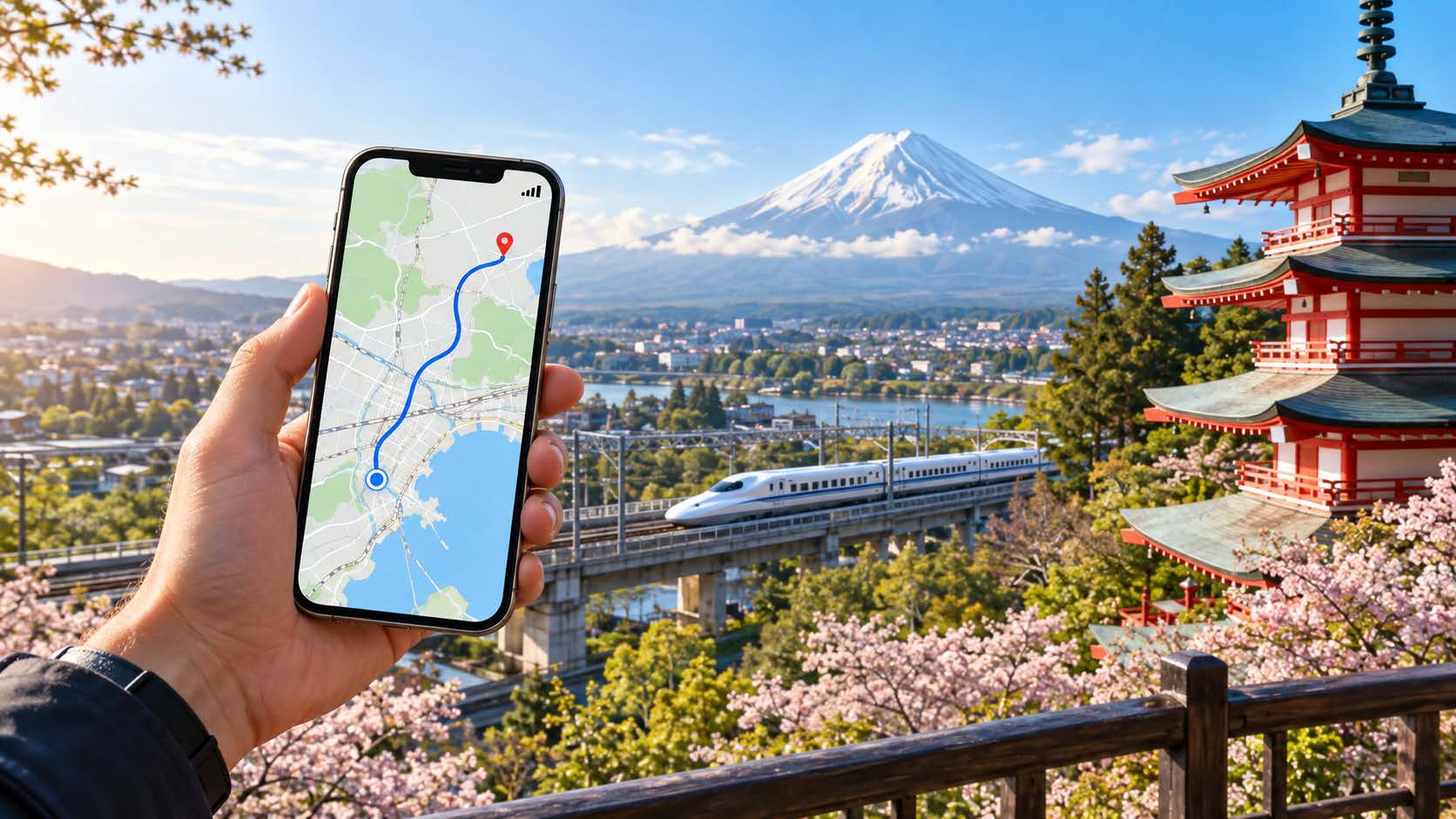
Japan is one of the easiest countries in the world to stay connected in, and one of the easiest to overpay for. The airport SIM counters, the pocket wifi rental desks, the confusing “unlimited” plans that throttle after 3GB — there’s a lot of noise. A travel eSIM cuts through most of it, but only if you understand what you’re actually buying.
Does an eSIM actually work in Japan?
Yes — and Japan is a near-ideal place to use one. The country has some of the densest, most reliable mobile coverage on earth. You’ll have signal in subway tunnels, on the shinkansen at 300 km/h, and in the middle of Shibuya at rush hour when tens of thousands of phones are competing for the same towers.
The one requirement is on your side: your phone has to be eSIM-compatible and carrier-unlocked. Most iPhones from the XS onward, recent Pixels, and flagship Samsungs qualify. If you bought your phone on a carrier payment plan, confirm it’s unlocked before you rely on this.
The part most guides skip: which network you’re actually on
This is where a real coverage note matters. Japan has four mobile networks, and they are not equal.
The three major networks — NTT Docomo, au (KDDI), and SoftBank — each have excellent nationwide coverage built over decades. Most reputable travel eSIMs run on one of these three, usually Docomo or SoftBank. That’s what you want.
The fourth network, Rakuten Mobile, is newer and still filling in its map. Its urban coverage in Tokyo and Osaka is fine, but it leans on roaming agreements outside the cities and has weaker indoor and rural signal. A handful of budget eSIMs quietly route through Rakuten to hit a lower price. If a plan is dramatically cheaper than everything else, it’s worth asking which network it uses.
The practical takeaway: don’t shop on price alone. Confirm the eSIM runs on Docomo, au, or SoftBank, and you’ll have the coverage Japan is famous for.
Where coverage is great — and where it isn’t
Great, effectively everywhere you’ll go as a traveler:
- Tokyo, Osaka, Kyoto, and every major city, including underground
- Bullet trains and most regional rail lines
- Tourist hubs like Hakone, Nikko, Nara, and Hiroshima
Thinner, and worth planning around:
- Deep mountain hiking trails (Japanese Alps, remote sections of the Kumano Kodo)
- Small islands in Okinawa and the Seto Inland Sea
- Some rural onsen towns tucked into valleys
Even in these spots the big-three networks usually hold a signal where a lesser network drops. If your trip is city-and-rail based — which most first trips are — coverage will not be your problem.
How much data do you actually need?
Travelers routinely over-buy. Japan is loaded with free wifi in hotels, convenience stores, cafes, and train stations, so your eSIM mostly covers the gaps: maps, translation, transit apps, messaging, the occasional upload.
| Usage | Typical activities | Data estimate |
|---|---|---|
| Light | Maps, messaging, light browsing | ~500MB–1GB per week |
| Normal | Maps + social + some streaming on the go | ~3–5GB per week |
| Heavy | Video calls, hotspot, lots of streaming away from wifi | 1GB+ per day, or a genuine unlimited plan |
Watch the word “unlimited.” Many plans mean unlimited at full speed up to X GB, then throttled. Read the fair-use line, not the headline.
Activate before you fly, not at the airport
The single best habit for a stress-free arrival: install and set up your eSIM at home, on wifi, before you leave. Most travel eSIMs let you install the profile in advance and have it activate when you first connect in Japan.
The reason is simple. Standing in the arrivals hall at Haneda or Narita with no signal is the worst possible moment to be scanning a QR code and reading setup instructions. Do it on your own wifi, days ahead, and confirm the profile shows up in your phone’s cellular settings. When you land, you flip it on and you’re connected before you reach baggage claim.
Keep your own number for texts and calls
You don’t have to give up your regular number. Because an eSIM lives alongside your physical SIM (or a second eSIM), you can run data on your travel eSIM and keep your home line active for calls and texts — including the two-factor codes your bank sends.
The usual setup: set the travel eSIM as your data line, leave your home number on for calls and SMS but turn off its data roaming so you don’t get a surprise bill. Your WhatsApp, iMessage, and bank apps keep working on your normal number. Important note: if you leave your home carrier active, you may be charged for daily roaming plan. There is a trade-off here.
The bottom line
For most travelers, Japan is a place where a travel eSIM just works — provided you get the fundamentals right:
- Confirm your phone is unlocked and eSIM-ready
- Choose a plan on Docomo, au, or SoftBank, not a bargain routed through a weaker network
- Buy for the data you’ll actually use, not the scary-sounding maximum
- Install and set it up before you fly
- Keep your home number live for texts and calls
Get those five right and you’ll step off the plane connected, with no counters, no rental desks, and no roaming bill waiting at home.